Hiding TX_CommunitiesTemplate Values
Note: this is not an exhaustive list of CSS tags that can be used to customize the look and feel of your community landing page or community content. These tags only refer to the items below.
Locate the Community Theme record created in Step 7 in Configuring Salesforce for TargetX Communities. In the Custom CSS field, add one or more of the following tags to hide the undesirable values from view. Repeat for each experience.
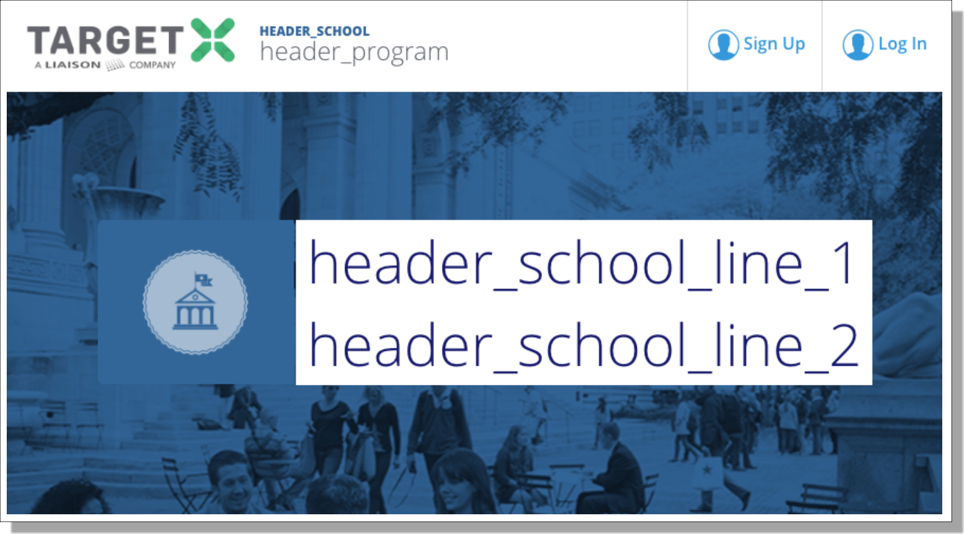
How to hide HEADER_SCHOOL
.targetx-header-university-name {
display:none;
}
How to hide header_program
.targetx-header-university-program {
display:none;
}
How to hide header_school_line_1 and hide header_school_line_2
.targetx-dashboard-hero-university-name-inner {
display:none;
}
How to hide the hero icon (the school seal pictured)
.targetx-dashboard-hero .targetx-dashboard-hero-icon-container {
display:none;
}