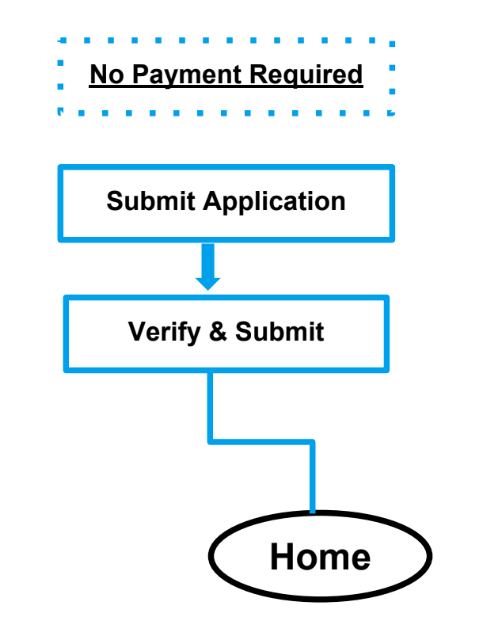
Configuring No Payment Required
- Navigate to the Application Forms tab.
- Edit the Application Form(s) where you want to allow students to submit a payment after they’ve submitted.
- UnCheck the following checkboxes:
- Enable Payment After Submit
- Allow Mail-In Payment
- Allow Waiver
- Set Payment Connector to <none>.
- Set the Amount to 0.
- Save your changes.
|
Application Form Settings |
|
|---|---|
|
Enable Payment After Submit |
unchecked |
|
Allow Mail-In Payment |
unchecked |
|
Allow Waiver |
unchecked |
|
Payment Connector |
<none> |
|
Amount |
0 |